
Description
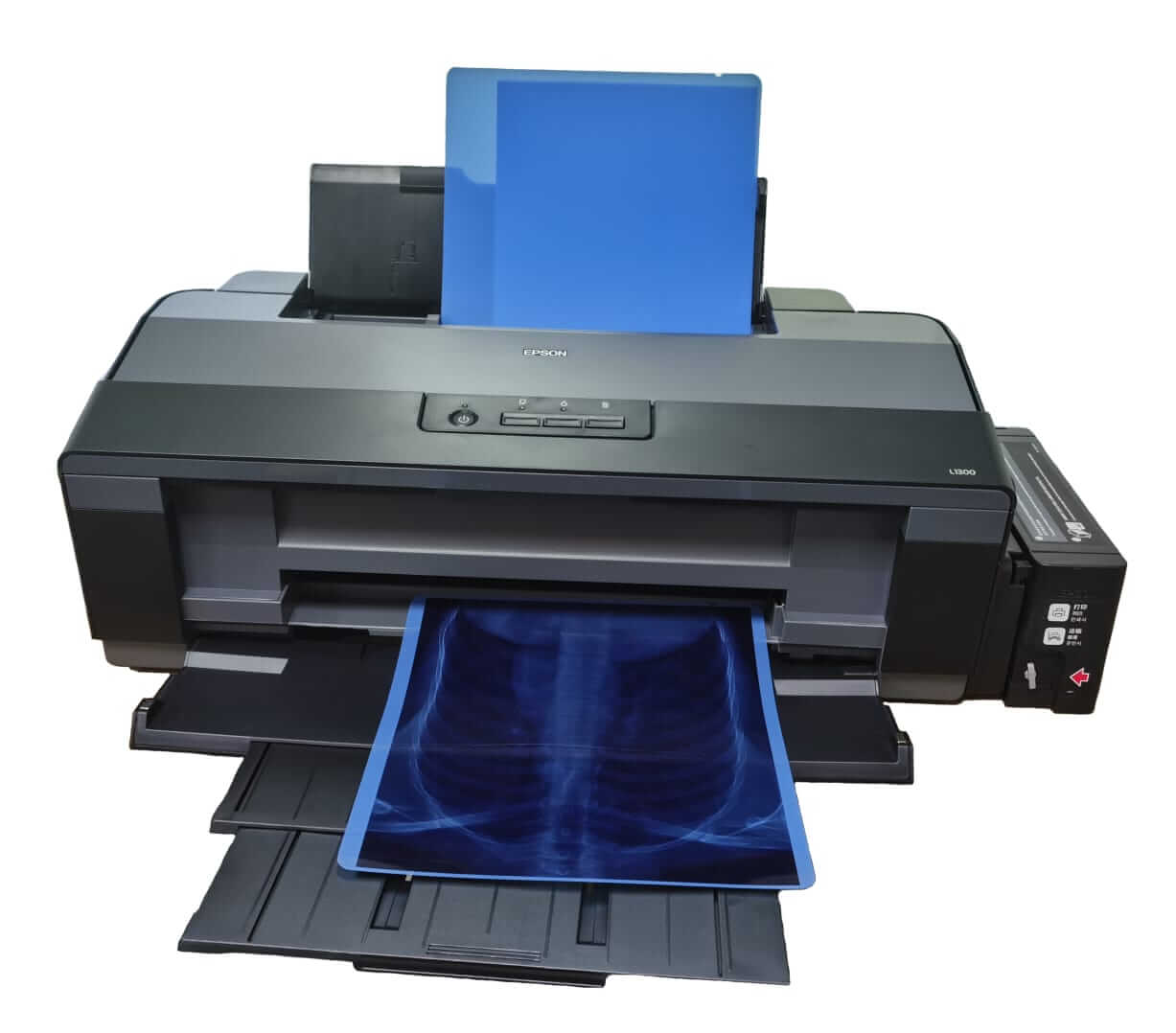
The Epson L1300 Inkjet Printer is an A3+ ink tank medical printer that hospitals, clinics and diagnostic centers use to print X-ray, CT, MRI, and ultrasound images on blue medical dry film. Paired with DICOM printing software, it connects to PACS workflows and produces high-contrast radiology prints without chemicals, a darkroom or wet processing. It prints up to 5760 × 1440 dpi and takes 14×17 blue film, so it gives you in-house film printing at a much lower cost per print than most thermal systems. Unison Bio-Medical supplies the Epson L1300 with compatible medical dry film for radiology use.
Why Use the Epson L1300 for Medical Film Printing?
- Low cost per print. The refillable ink tank system cuts running costs compared with thermal printers and their consumables.
- Lower upfront investment. It is a fraction of the price of a dedicated dry imager.
- High-resolution output. Up to 5760 × 1440 dpi gives sharp detail and high-contrast grayscale.
- A3+ format. Handles 14×17 blue film and smaller diagnostic sizes.
- Simple setup. It connects by USB and is easy to install and operate.
- No darkroom or chemicals. A clean dry imaging workflow with less maintenance.
Works with 14×17 Blue Film
The printer supports 14×17 blue film, the standard radiology format. Use it with our medical dry film, a blue PET inkjet film made for this printer, for the best results. You can also print smaller sizes, including 11×14 and 8×10.
DICOM and PACS Integration
An inkjet printer alone doesn’t speak DICOM. It becomes a medical imaging tool when you pair it with DICOM printing software. With the software installed, you can:
- Connect the printer to your PACS
- Receive images from CT, MRI, X-ray and ultrasound systems
- Print diagnostic films directly, with no manual conversion
How It Fits Your Workflow
- The imaging device generates the image (X-ray, CT, MRI or ultrasound).
- The image is processed through DICOM printing software.
- The job is sent to the Epson L1300.
- The image prints on medical dry film.
Who It’s For
- Diagnostic centers that want affordable X-ray printing
- Clinics moving from outsourced film to in-house printing
- Hospitals adding a lower-cost or backup printer
- Imaging labs looking to lower cost per print
Applications
- X-ray film printing
- Ultrasound image output
- CT and MRI report printing
- Diagnostic image archiving
- Patient reports and documentation
Inkjet vs. Thermal Printing
| Factor | Epson L1300 inkjet | Thermal dry imager |
|---|---|---|
| Setup cost | Low | Higher |
| Running cost | Low | Higher |
| Flexibility | High | More limited |
| Maintenance | Easy | Moderate |
| Best suited for | Clinics, labs, routine reporting | Large hospitals, high volume |
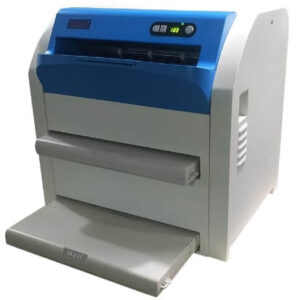
The Epson L1300 is a good primary printer for clinics and a cost-effective secondary printer for hospitals. If you need a dedicated, high-volume diagnostic imager, see our medical thermal printer.
Why Buy from Unison Bio-Medical
- Printer, film and setup guidance from one supplier
- Help matching the printer with the right medical dry film and DICOM software
- Wholesale quantities for hospitals, clinics and diagnostic centers
Frequently Asked Questions
Can the Epson L1300 be used for medical imaging?
Yes, when paired with compatible medical film and DICOM printing software.
Does it support DICOM printing?
Yes, with compatible DICOM printing software it connects to PACS and prints images directly.
Can it print on 14×17 blue film?
Yes. It supports 14×17 blue film, the standard radiology size.
What is the maximum print size?
Up to A3+.
Is it a replacement for a thermal X-ray printer?
Not always. It works best as a cost-effective alternative or a secondary printer.
Is it suitable for small clinics?
Yes. It is especially useful for clinics that want to stop outsourcing film printing.
Is the output suitable for diagnosis?
It produces high-contrast radiology prints suitable for diagnostic reference and reporting. Check your own clinical requirements with your radiologist.
What is dry imaging?
A chemical-free printing process that removes the need for wet film development.
What are the price and warranty terms?
[Add Unison pricing and warranty details here.]
How do I order?
Click on the contact button floating on our website or go to Contact Us and send your query. Our team will contact you within an hour.
Reviews
There are no reviews yet.